
Restoring Previous Definitions
If incorrect edits to your definitions were published to the CloudZero platform, you can restore them to a previous version within the same namespace.
To initiate a restore, open the VS Code command palette (⇧⌘P/Ctrl-Shift-P) and select the command CloudZero: Restore Older CostFormation.

You can also initiate a restore from the CloudZero Sidebar by right-clicking a definition file within a namespace and selecting Restore Older CostFormation.
After you press enter, a list of previous versions will be shown. The list will show the most recent changes first.
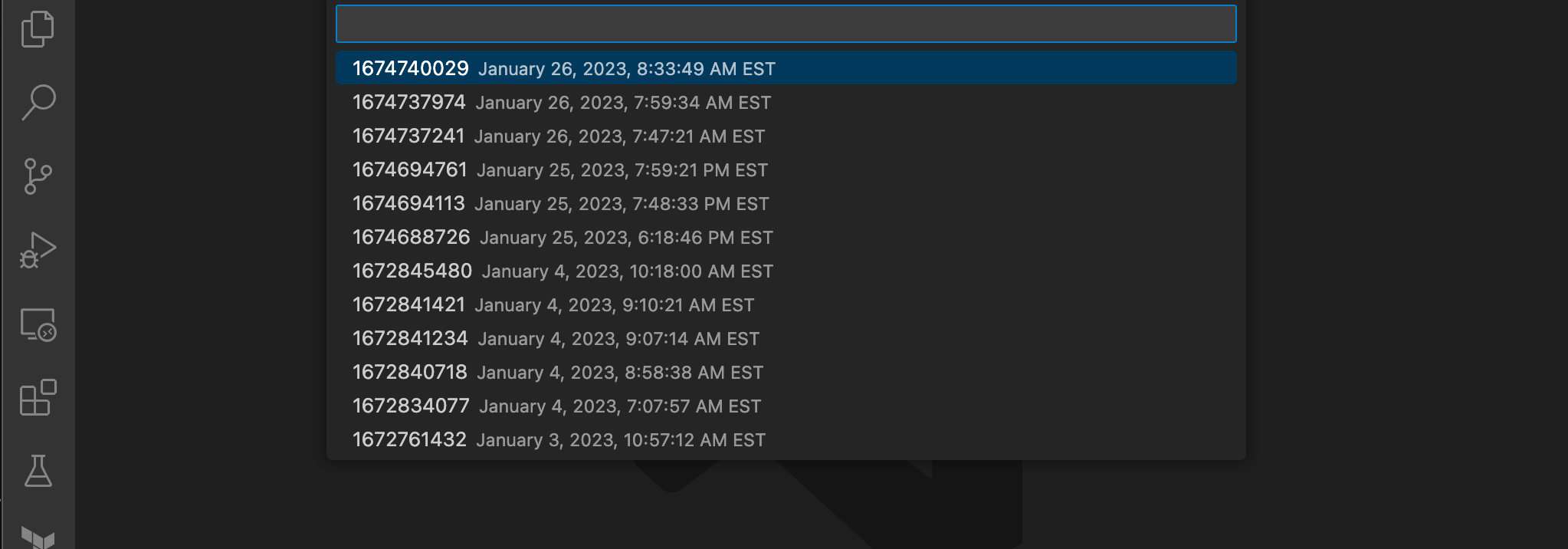
Select the version you would like to restore and press enter. You are then asked whether to restore to that version or save the file locally for additional editing.
- If you choose to restore, that version is published as the latest version.
- If you choose to save locally, a file save dialog opens. Enter a filename for the definitions and click Save. You can then make any necessary edits and publish those changes as you would any other edits.
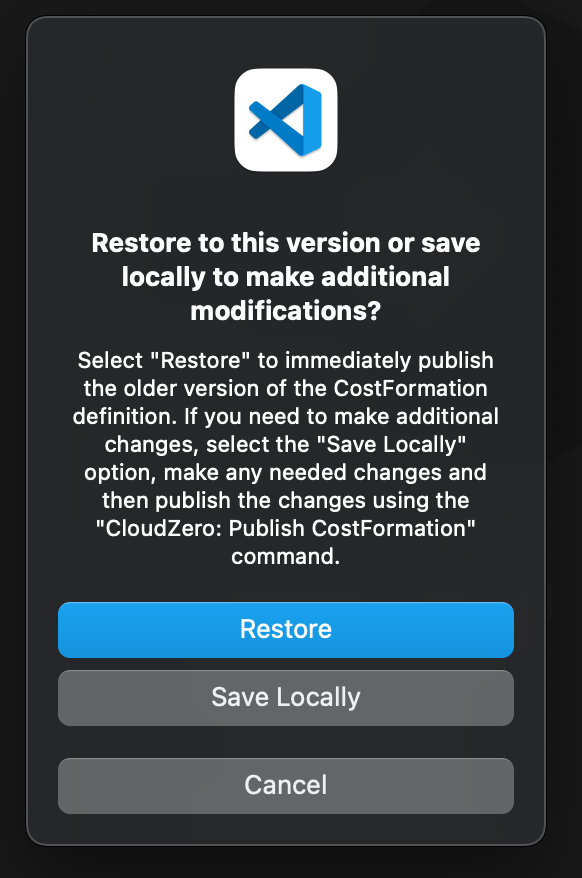
This operation is not a true rollback operation. Instead, it publishes the older version as a new set of changes within the namespace. When you choose to restore older definitions, the current definitions that you are overwriting become the most recent older version.
Updated 3 months ago